JI-SoEX Tools STAAD.Pro Automation Suite
// OPENSTAAD BRIDGE · MODEL BUILDER · NSCP 2015 LOADS · RC FOOTING DESIGN
A Windows desktop app that drives STAAD.Pro directly through the OpenSTAAD bridge. Generate frame grids, assign materials and properties, apply supports and specifications, build NSCP 2015 load combinations, run the analysis, and design isolated footings — all from one panel, without clicking through STAAD dialogs.
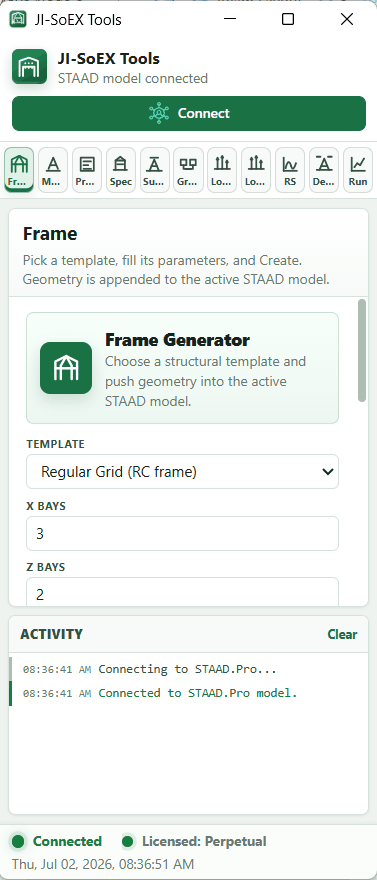
CONNECTED TO A LIVE STAAD.PRO MODEL
What JI-SoEX Tools Does
Every module writes straight into the active STAAD.Pro model through OpenSTAAD. Open your model, click Connect, and work through the tabs in order — or jump to just the one you need.
Pick a structural template, set X/Z bays and Y levels, and push a complete geometry grid into the active model.
Concrete constants and ready-made material sets — 21 MPa, 28 MPa, dummy, slab, and shearwall.
Column, beam, and tie-beam sections with member rotation, beam-end display, and cracked-section factors.
Member releases, VBS-style auto offsets, slabs, and rigid floor diaphragms applied across the model.
Fixed or pinned support assignment at base level, driven from the generated node grid.
Floor-by-floor member and node groups, created automatically from the model's level structure.
Basic, school-style, and full NSCP 2015 generators. Auto-detects DL, LL, LLR/RL, EX/EZ, RSX/RSZ, and WX/WZ titles.
Generate and apply load patterns onto the model, ready to be rolled into the combination generator.
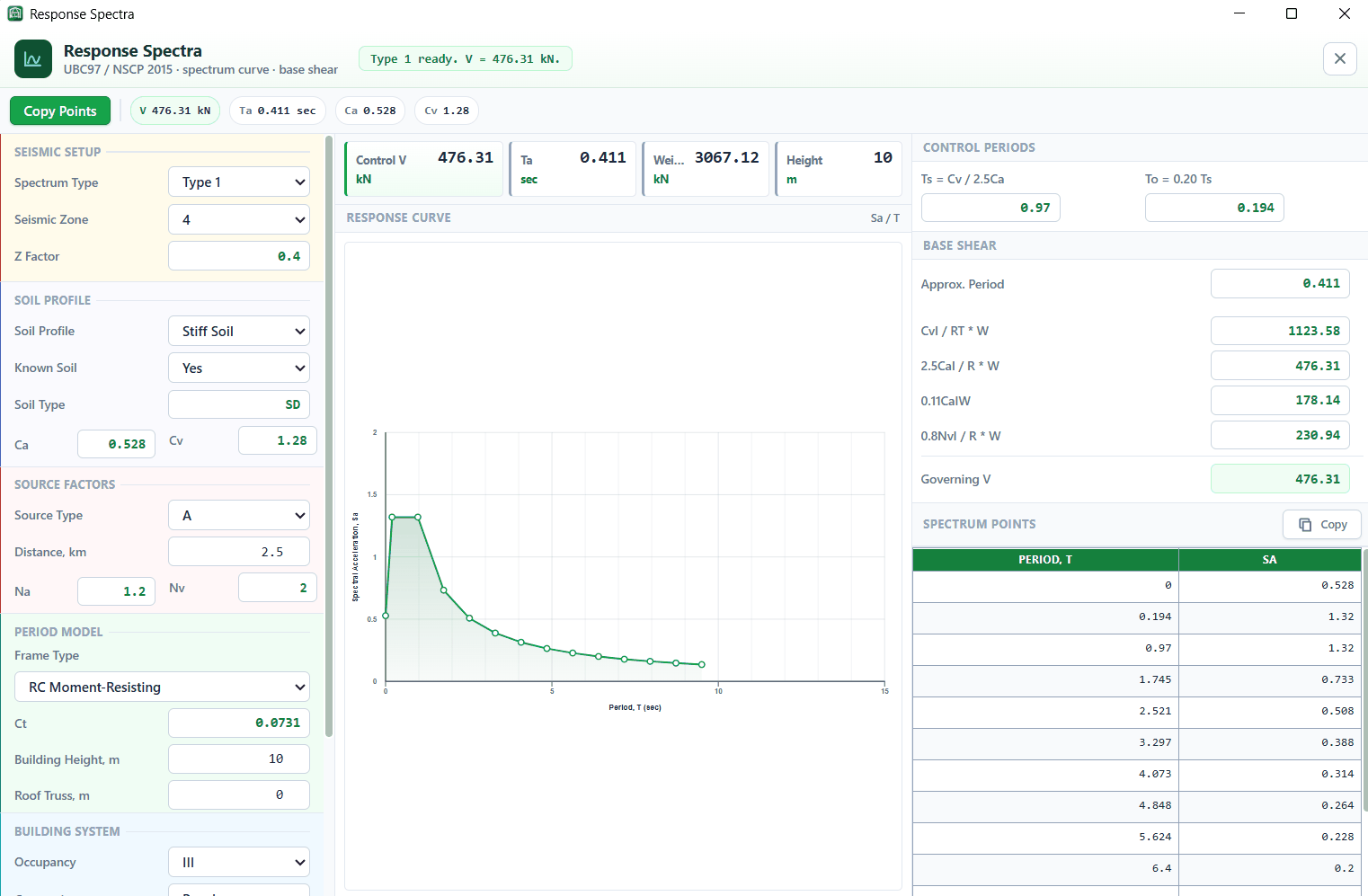
UBC 97 / NSCP 2015 spectrum curve with control periods, base-shear checks, and copyable spectrum points.
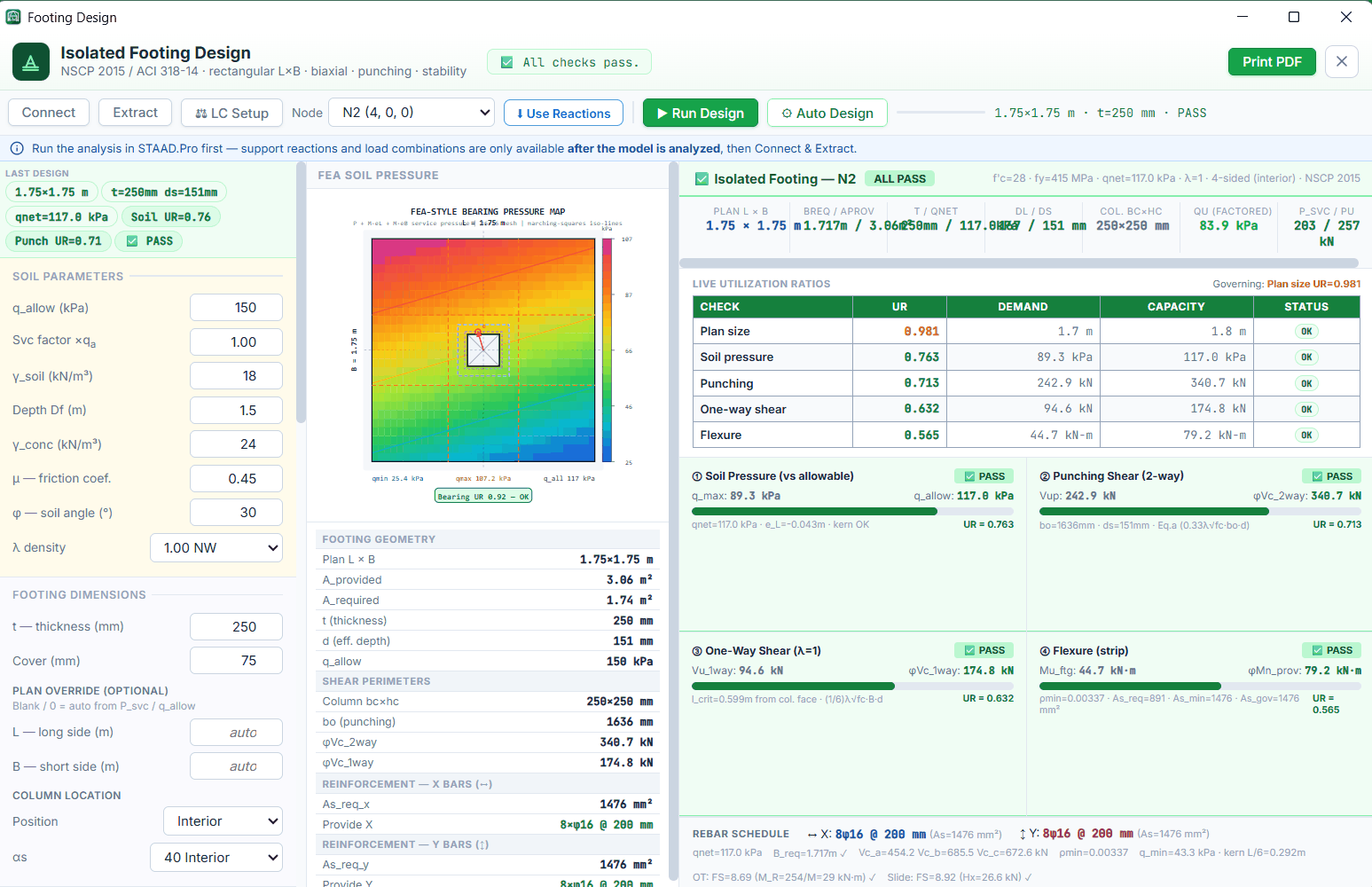
Isolated footing design to NSCP 2015 / ACI 318-14 — biaxial pressure, punching, one-way shear, flexure, stability, and PDF report.
Node and member selection helpers with target, tolerance, and Y-level filters, synced to the STAAD selection.
Submit the STAAD.Pro analysis without leaving the app, then extract reactions straight into footing design.
Offline activation tied to one registered PC. Copy your PC ID, send it over, and paste the key back in.
Inside JI-SoEX Tools
Real output from a live STAAD.Pro session. Click any image to enlarge.
Pricing & Licensing
Offline licenses for one registered PC. Install the app first, copy your PC ID from the License panel, then message us to receive your activation key.
- All modules unlocked
- One registered PC
- Offline activation
- All modules unlocked
- One registered PC
- Updates during the term
- All modules unlocked
- One registered PC
- No expiry, no renewal
ENGINEERING OUTPUT MUST BE REVIEWED AND VALIDATED BY A QUALIFIED ENGINEER BEFORE PROJECT USE
Downloads

The full toolkit as a Windows installer. Installs per-user under your own
profile — no administrator rights required. Open your model in STAAD.Pro, press
Connect, and every module writes straight into the active file.
337921574DE4F91103C93E44CEE9621CFE47A8C6351D4A5D1A81133A760BB5D1
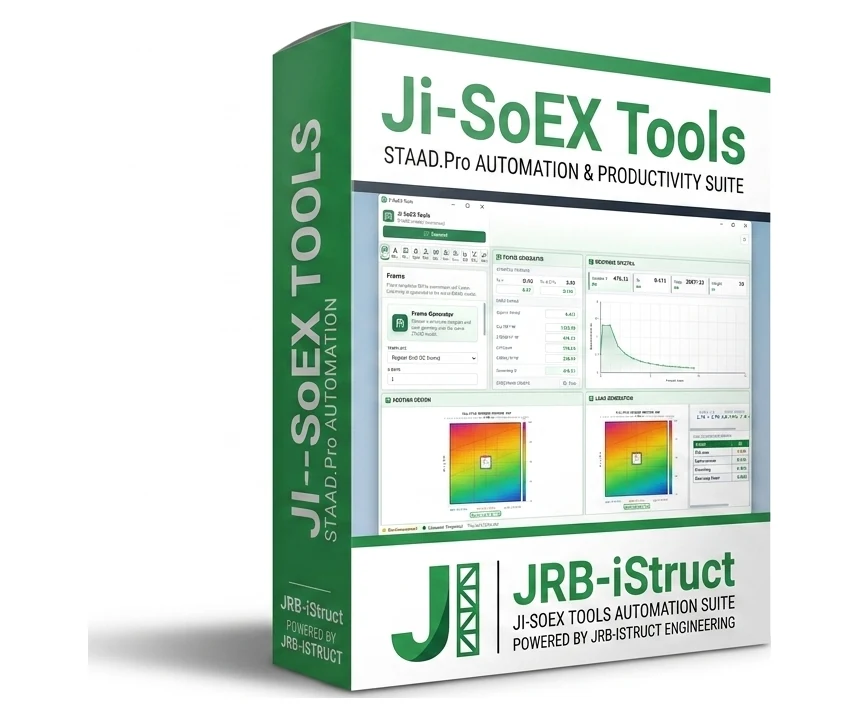
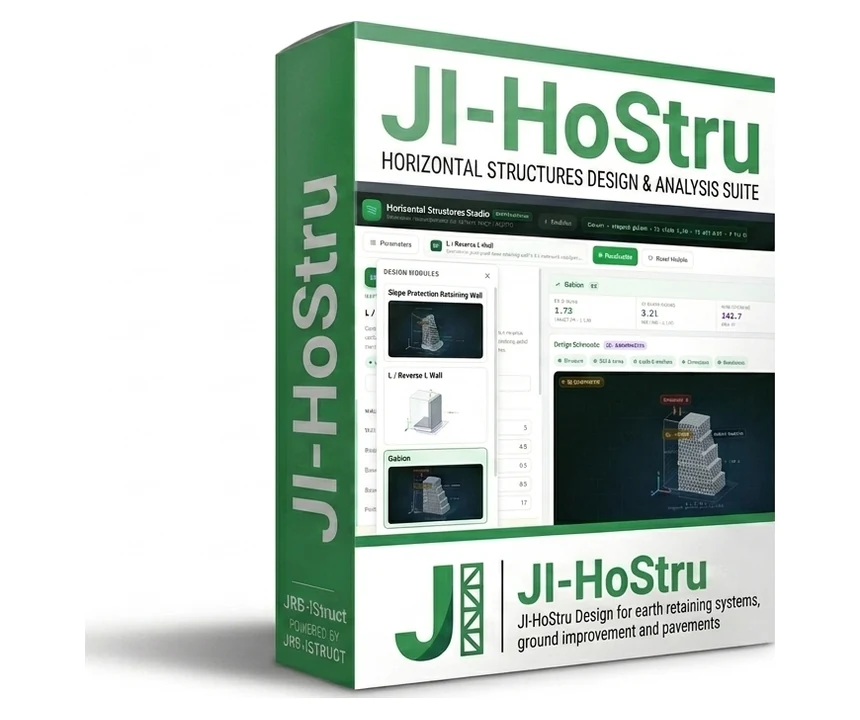
An interactive design workbook for horizontal structures — earth-retaining systems and ground improvement. Each module carries its own parameters, a 3-D section schematic, live design ratios, and a printable PDF calculation report. Installs per-user — no administrator rights required.
0292F0A93F6682040301960E376F83E7E8EE096C89058AC371CE8EC0BC6C3CE1
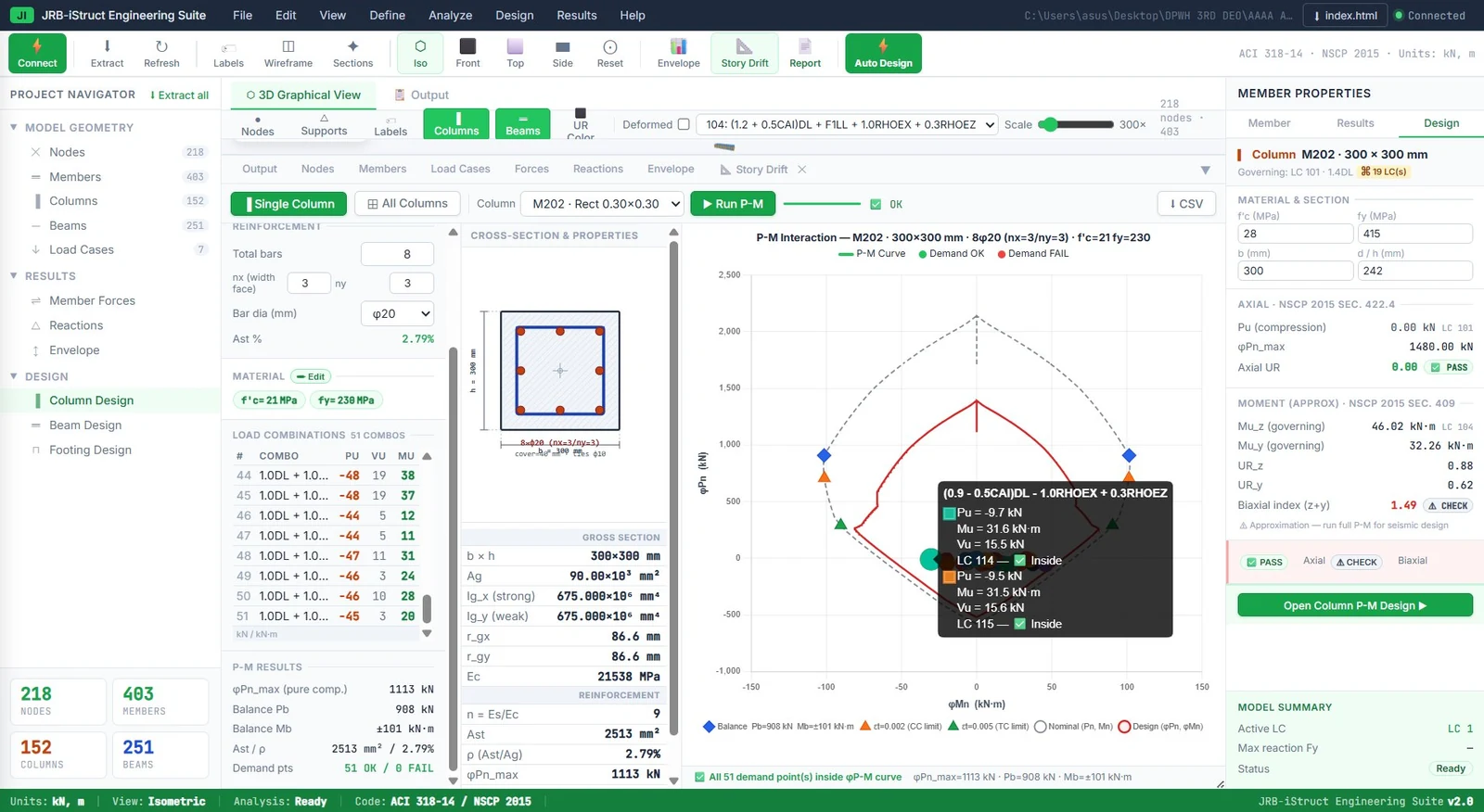
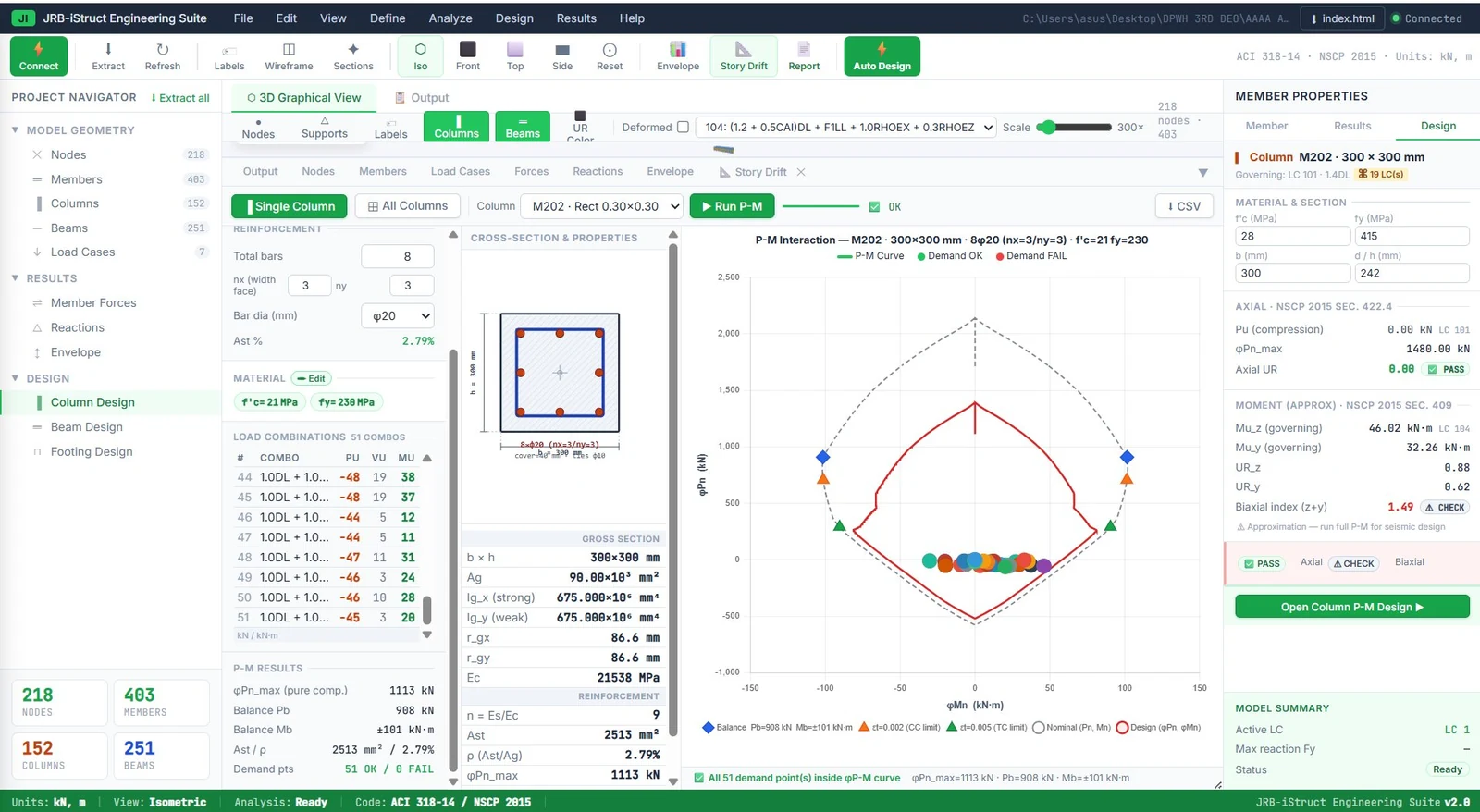
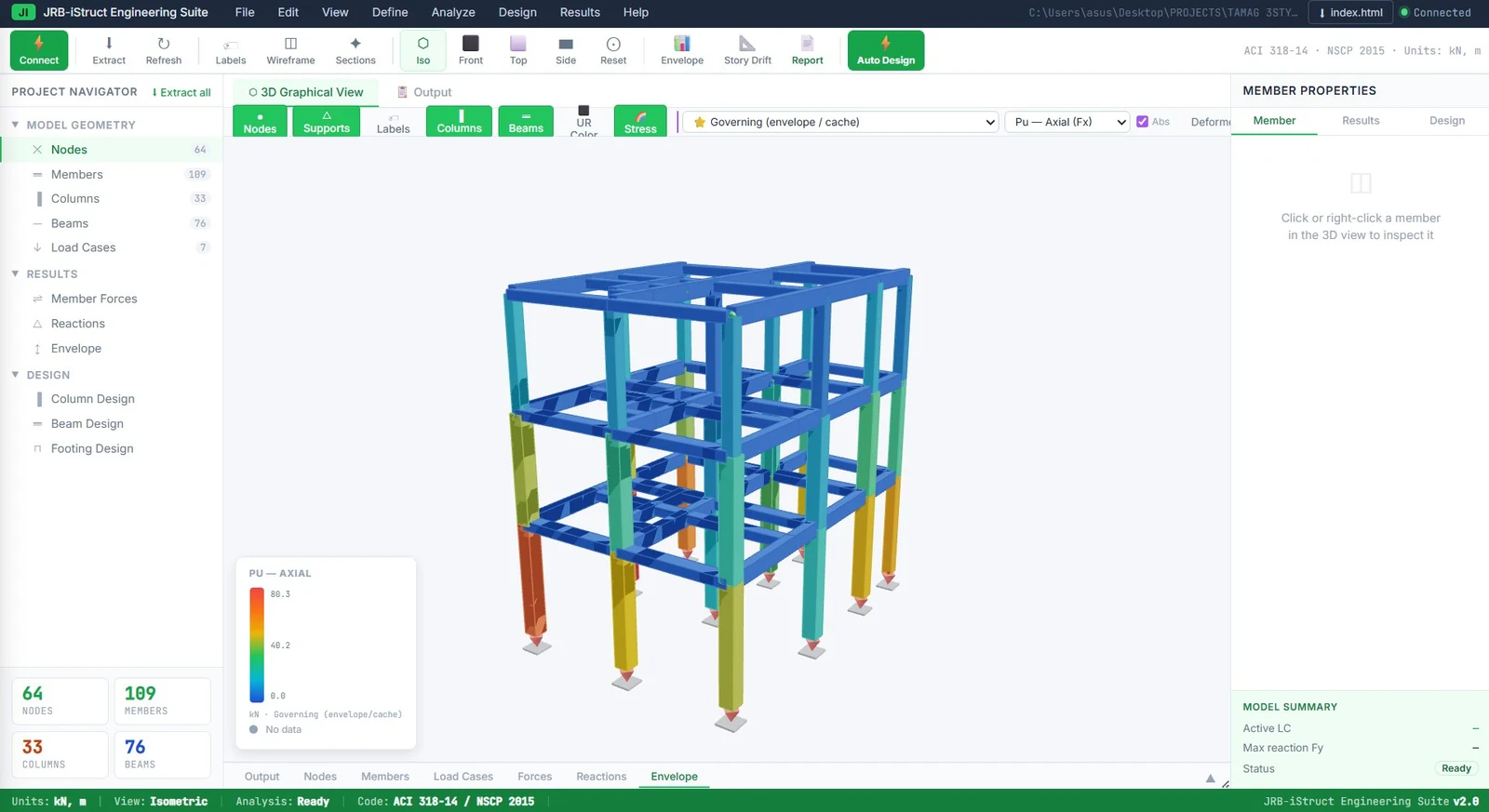
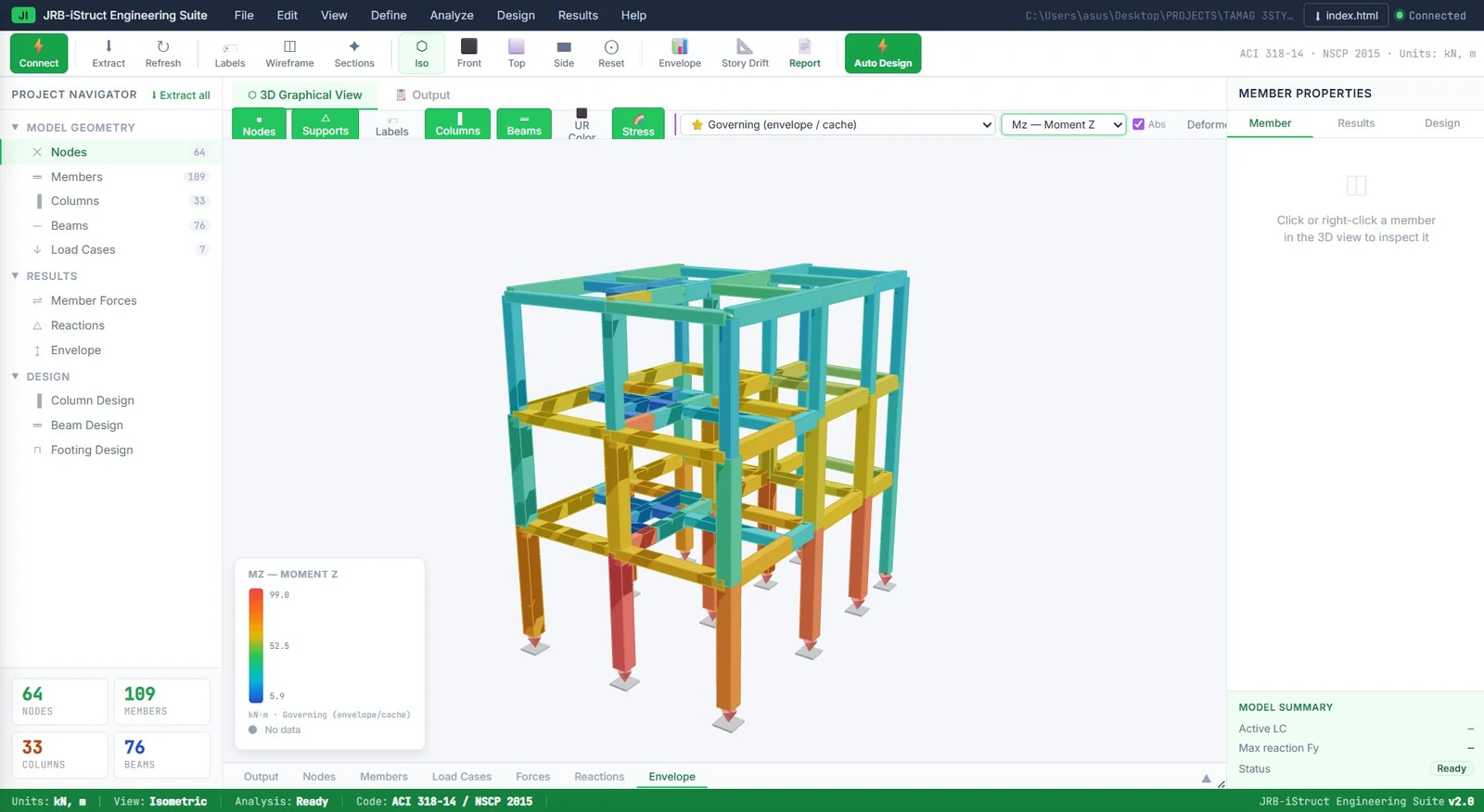
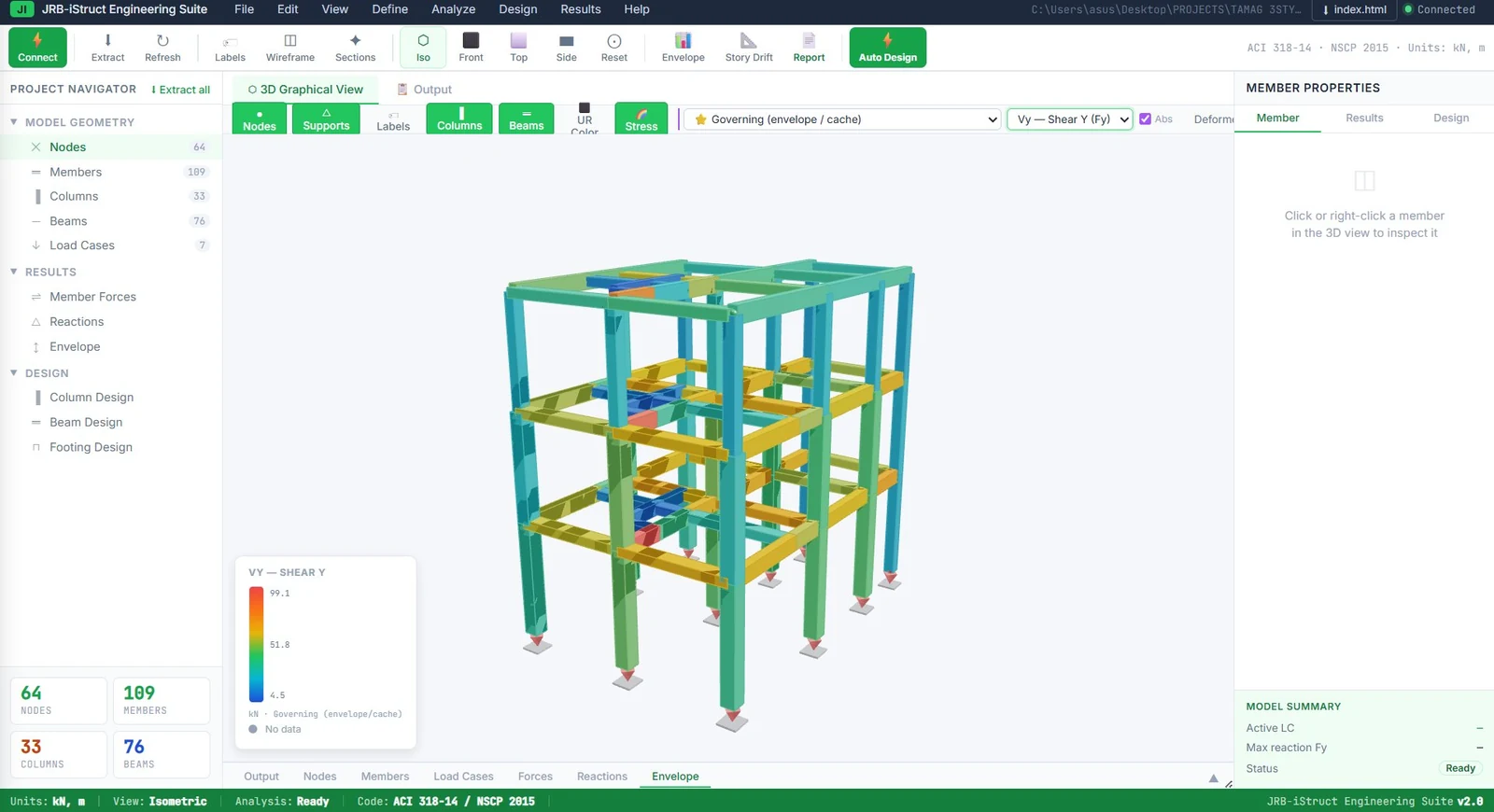
The full suite: a result extraction and design layer that reads geometry, load cases, and member forces from your analysis model, then runs RC column, beam, and footing design with P-M interaction diagrams and color-coded 3D envelope views.
SEE THE PREVIEW BELOW
Install & Activate
Four steps from download to your first generated frame.
Download JI-SoEX-Tools-Setup-0.1.24.exe and run it. Installs per-user — no administrator rights required.
Open the License panel, copy your PC ID, and send it to us. Paste the key you receive and press Activate.
Start STAAD.Pro with your model open, then press Connect. The status bar turns green when the OpenSTAAD bridge is live.
Work through Frame, Mats, Props, Spec, and Loads, run the analysis, then extract reactions into Design.
Requirements & FAQ
- Windows 10 or 11 — 64-bit (x64)
- STAAD.Pro installed and licensed
- OpenSTAAD COM surface available
- Microsoft Edge WebView2 runtime
- Same privilege level as STAAD.Pro — run both as standard user, or both as administrator
Do I need STAAD.Pro to use it?
Yes. JI-SoEX Tools is an automation layer, not an analysis engine — it drives your own licensed STAAD.Pro installation through the OpenSTAAD COM bridge.
How does activation work?
Licenses are offline and tied to one registered PC. Install the app, copy the PC ID from the License panel, send it to us, and paste back the activation key you receive.
Can I move my license to another PC?
A license is issued against a single registered PC ID. If you change machines, message us with the new PC ID and we will sort out a transfer.
Why does an action say a method is unavailable?
The automation layer uses OpenSTAAD write methods where your installed STAAD.Pro exposes them. If one is missing, the app names the exact operation so it can be mapped to your STAAD.Pro version.
Is the download safe to run?
Verify it before installing — the SHA-256 of the installer is published above and in the release. Windows SmartScreen may warn on first run because the installer is new; choose More info → Run anyway once you have checked the hash.
Download the installer now and try it against your own model. Message us with your PC ID when you are ready for a license key — perpetual access is a one-time PHP 3,000.
Coming Next from JRB-iStruct
The JRB-iStruct roadmap. Each of these is in active development — none are available for download yet. Message us if you want to be told when one ships.
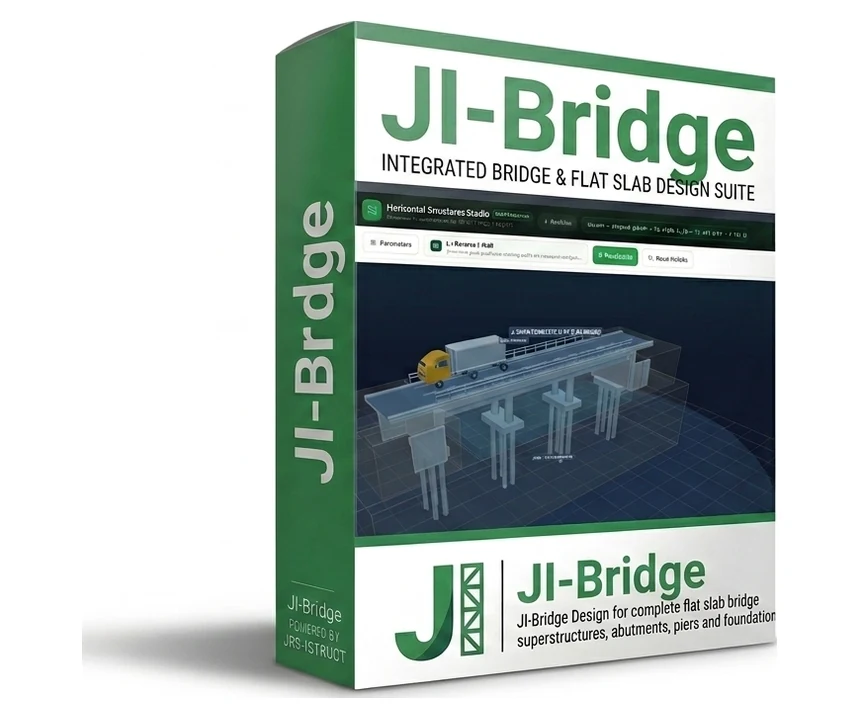
Flat Slab Design Suite
Complete flat slab bridge design — superstructures, abutments, piers, and foundations in one workflow.
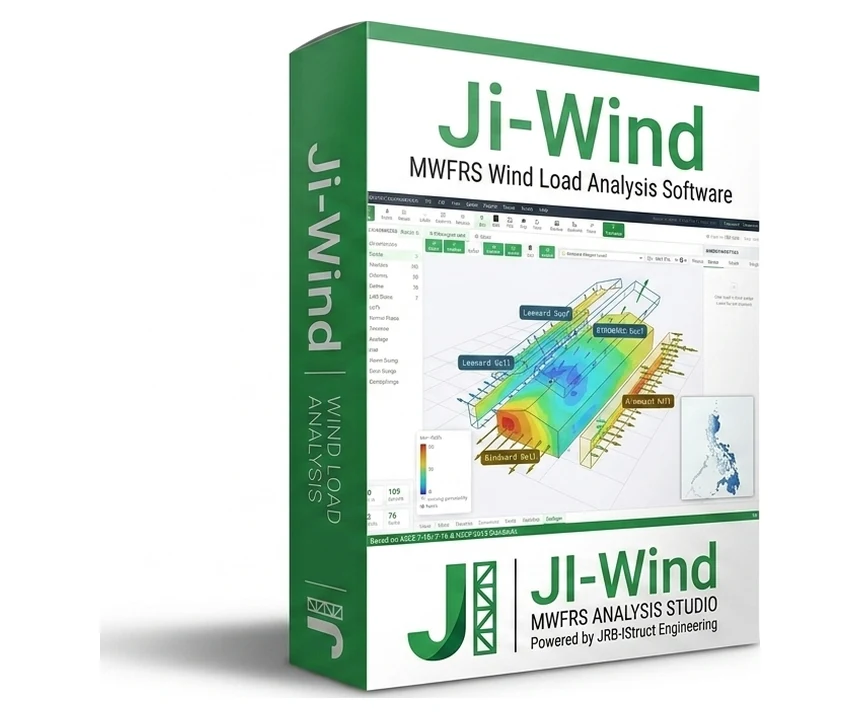
Analysis Studio
Wind load analysis using the ASCE 7 directional procedure (MWFRS), to NSCP 2015 / 2010.
& Design Suite
RC column, beam, and footing design driven by results pulled straight from your analysis model. Detailed below.
The furthest along of the three. Here is how it works and what it produces.
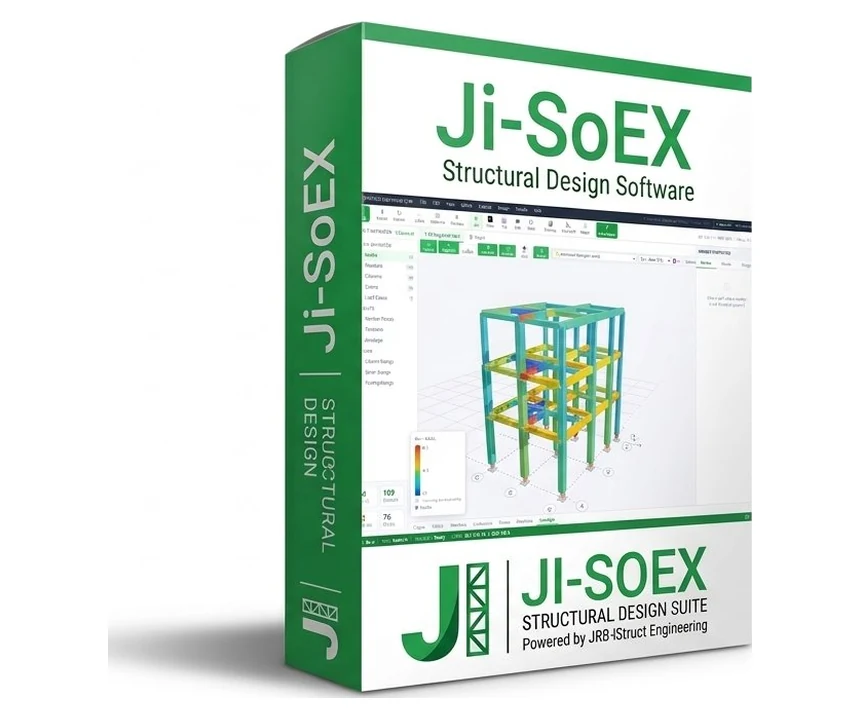
JI-SoEX is not a standalone analysis tool — it is a result extraction and design layer that sits on top of your existing structural analysis software. It reads model geometry, load cases, and computed member forces through a local browser API, then performs full RC member design, P-M interaction checks, and envelope visualization without re-entering a single value.
Software
index.html
API Bridge
+ Reports
Connects to your analysis software's browser output. Click Extract — member forces, geometry, and load cases are read automatically.
Analysis results flow directly into the design engine — no copy-paste, no re-entering loads or geometry.
Full P-M interaction diagrams for RC columns with demand plotting, biaxial index check, and load-envelope verification.
Color-coded 3D visualization of axial, shear, and moment envelopes to highlight critical members.
Automated reinforcement sizing for columns, beams, and footings with utilization ratios and PASS/CHECK/FAIL results.
Design report PDFs plus CSV export of member forces and design results, ready for documentation.